AI BOQ Extractor — Parse Bill of Quantities
from Any Tender PDF in Seconds
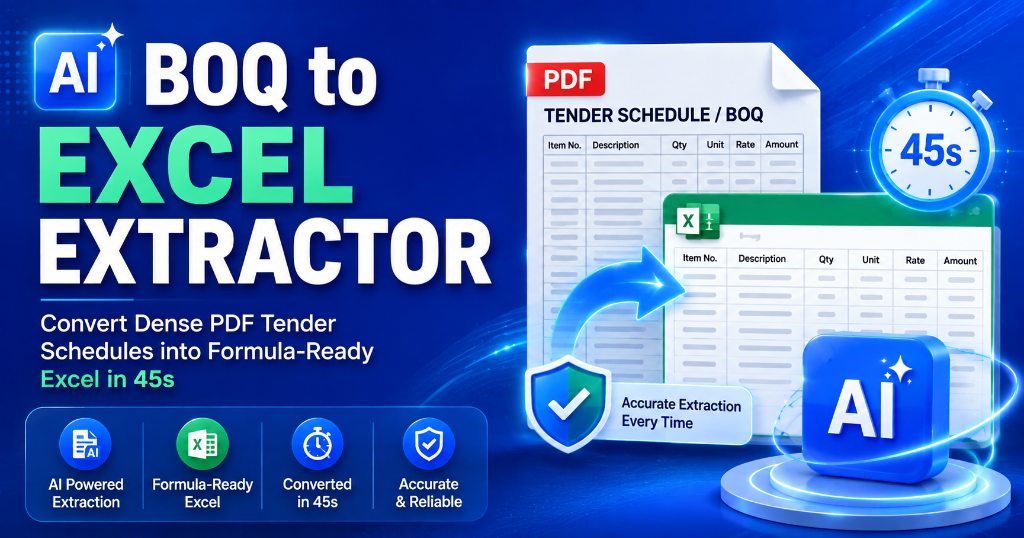
Upload any government tender document and extract the complete Bill of Quantities directly into formula-ready Excel spreadsheets. 100% calculation accuracy.
Why Manual BOQ Extraction Costs You ₹50,000+ Per Tender
For a typical ₹5 Crore infrastructure tender, manual data entry takes 6 to 10 hours of junior engineer time. But the hidden error costs are far worse:
| Hidden Cost Factor | Direct Impact | Estimated ₹ Value Loss |
|---|---|---|
| Missed line items in schedule | Under-quoting and massive project execution losses | ₹50,000 – ₹5,00,000 |
| Wrong unit conversions (m² vs m³) | Disqualification or severe 10x cost overrun | ₹25,000 – ₹2,00,000 |
| Typo in base rates | Mathematical errors in financial bid submission | ₹10,000 – ₹1,00,000 |
| Delayed bid submission | Missed deadline = total lost bidding opportunity | Opportunity Cost: ₹5,00,000+ |
| Wasted engineering hours | Time drained from pricing strategy and rate analysis | ₹3,000 – ₹5,000 / tender |
“We under-quoted a ₹3 Cr civil tender by ₹18 Lakhs because an engineer accidentally missed 3 dense items on page 42 of the BOQ PDF. The AI BOQ Extractor catches every single row in 30 seconds.”
— Civil Contractor, Gujarat PWD
What Is a Bill of Quantities (BOQ) in Government Tenders?
A Bill of Quantities (BOQ) — also called a Schedule of Rates (SOR), Itemized Schedule, or Quantity Takeoff — is the official tender schedule itemizing all materials, labor, and machinery required to execute a contract, along with estimated quantities, measurement units, and department rates.
Core Structure of Indian Government BOQs
Supported Procurement Authorities
TenderFlow Pro recognizes CPWD DSR formats, MES defense schedules, Indian Railways IREPS tables, NHAI highway schedules, and all 10 major State PWD formats (Maharashtra, Gujarat, Karnataka, Tamil Nadu, Telangana, Rajasthan, UP, etc.) plus GeM custom bids.
Live Interactive BOQ Extraction Demo
Select a tender category to see the side-by-side transformation from raw PDF schedule to calculation-ready Excel matrix.
| Item No | Item Description & Specification | Qty | Unit | Est. Rate (₹) | Total (₹) |
|---|
How Shivam Construction Extracted a 47-Page Hospital BOQ in 2 Minutes Flat
The Challenge:
Shivam Construction (Hyderabad) was shortlisted for a ₹8.2 Cr Telangana PWD hospital construction project. The tender was 634 pages long with 312 BOQ items spanning 47 pages across 3 separate sections. Manual entry would have taken 35–40 engineering hours.
The AI Solution & Impact:
Using TenderFlow Pro's targeted page extraction, all 312 line items were parsed in 2 minutes and 10 seconds. The AI caught 3 critical unit errors (m³ entered instead of m²), saving an estimated ₹2.3 Lakhs in avoided under-quoting.
BOQ Extraction: AI vs. Manual vs. Hiring — Cost Comparison
| Method | Time per Tender | Cost per Tender | Accuracy | Annual Cost (50 Tenders) |
|---|---|---|---|---|
| TenderFlow AI BOQ Extractor | 30s – 2 Mins | 60 Credits (₹599 Pass) | 98%+ | ₹2,999 (Starter Pack) |
| Junior Estimation Engineer | 6 to 10 Hours | ₹3,000 – ₹5,000 | 85% – 90% | ₹1,50,000 – ₹2,50,000 |
| Senior Quantity Surveyor | 4 to 6 Hours | ₹6,000 – ₹9,000 | 90% – 93% | ₹3,00,000 – ₹4,50,000 |
| Tender Bidding Consultant | 12 to 24 Hours | ₹5,000 – ₹15,000 | 90% – 95% | ₹2,50,000 – ₹7,50,000 |
8 Common BOQ Errors the AI Detects Automatically
Frequently Asked Questions (FAQ)
1. What is a BOQ in government tenders? expand_more
A Bill of Quantities is an itemized schedule detailing all required materials, labor, and specifications. It forms the core of your financial bid.
2. Can the AI extract BOQ from scanned PDFs? expand_more
Yes. Our spatial vision OCR extracts structured tables from both digital and scanned tender documents with 95%+ precision.
3. What formats can I export the extracted BOQ to? expand_more
You can download the data as an Excel (.xlsx) file with pre-built multiplication formulas (Qty × Rate = Amount), or as CSV.
4. How many credits does a BOQ extraction cost? expand_more
Standard extraction costs 60 Scan Credits (covers up to 10 BOQ schedule pages), which is completely included in the ₹599 Single Pass (60 Credits). No recurring subscription required.
5. How does page targeting save credits and improve accuracy? expand_more
Specifying the BOQ page range (e.g. Pages 34–45) ensures the AI focuses 100% of its attention on the tables rather than burning credits on 150 pages of legal conditions.
Stop Wasting Hours on Manual BOQ Typing
Upload your tender PDF and get your fully formatted, calculation-ready Excel Bill of Quantities in under 45 seconds.